

For a brewery, the beverage list is broad: beers (often 30-60 references), wines (40-80), plus spirits and soft drinks. Service runs fast and servers aren’t always trained in sommellerie. Digitization helps streamline service without losing advisory quality.
A multi-segment list to organize
The strength of a brewery is the diversity of its drinks offering. But that diversity quickly becomes unreadable on a paper list: 8 dense pages, and the customer loses patience. Winevizer presents the list by category (beers, white wines, red wines, spirits, soft drinks) with quick filters — by region, by taste profile, by budget. The customer browses in a few seconds instead of reading 8 pages.
How Winevizer fits the brewery rhythm
- QR code per table: the customer chooses while the server is busy elsewhere. Plate service stays the server’s priority.
- Quick recommendations: 3 buttons → a recommendation. No long chat, no waiting.
- Budget filters: essential in a brewery, where the average ticket is lower than in fine dining. The customer filters by price range.
- Unified beverage list: wines, beers, spirits and cocktails in a single interface. No jumping between separate documents.
Streamline service without losing the advice
In a brewery, order-taking time weighs on table turnover. With the digital list, the customer browses and compares as soon as they sit down, without waiting for a server to be free. The server keeps control of the key moment: confirming the order and giving advice when the customer asks for it. The virtual sommelier answers the simple questions — “a smooth red under €30”, “a beer to go with this burger” — that the team doesn’t always have time for at peak hours. The result: fewer repeated questions, a better-informed customer, and a server focused on the floor.
See the dedicated beer solution
For a 100% beer list, see Create a digital drinks list. For a brewery with a beer + wine mix, Winevizer handles both in one unified interface.
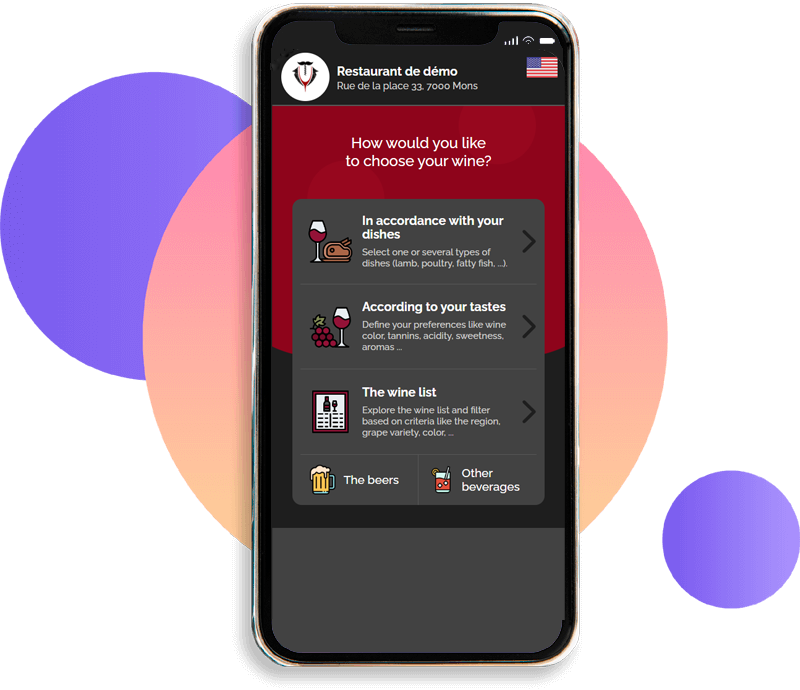
Click on the smartphone to test the digital wine list
Test like on a smartphone
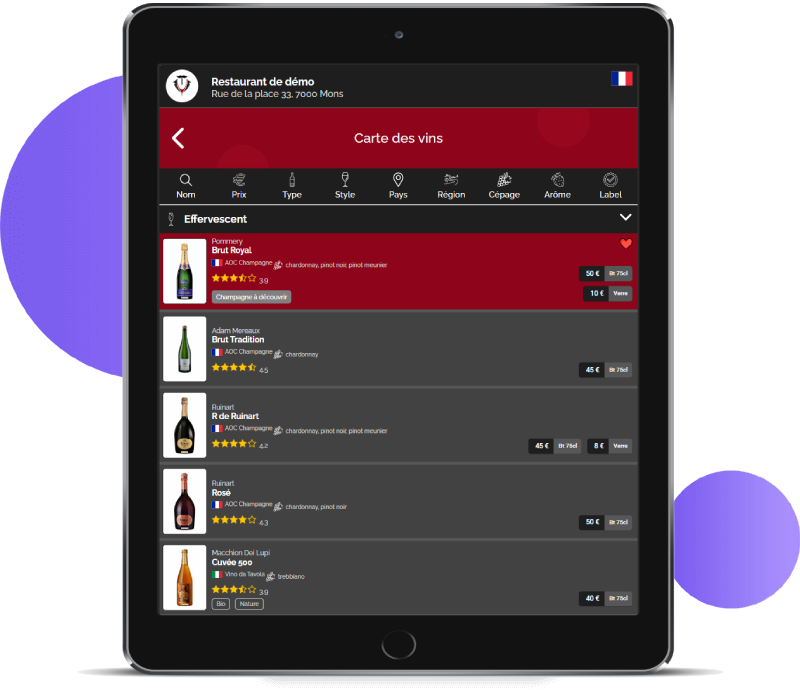
Click on the tablet to test the digital wine list
Test like on a tablet
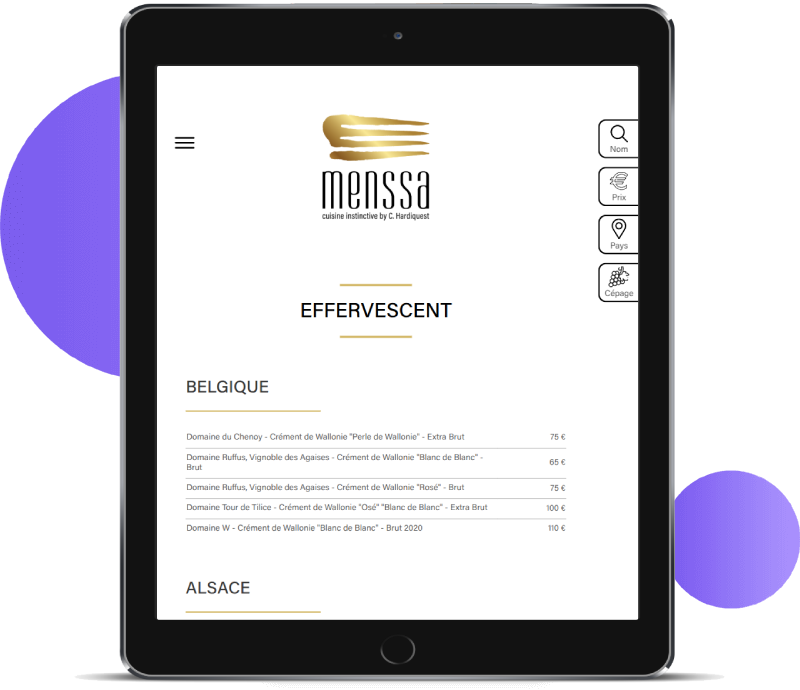
Click on the tablet to test the digital wine list
Test like on a tablet
Try the virtual sommelier just
like your customers!
Choose the perfect wine.
Grab your smartphone and scan the attached code.
- Free* use
- No application to install
- Compatible with all smartphones
- The customer uses their own smartphone
- Compatible with all web browsers
- No user account required
- Respects your customers' privacy
- Card can be installed on tablets
* Your customer's mobile operator may charge usage fees, as when using mobile internet from a smartphone.
Send your wine list, get its digital version
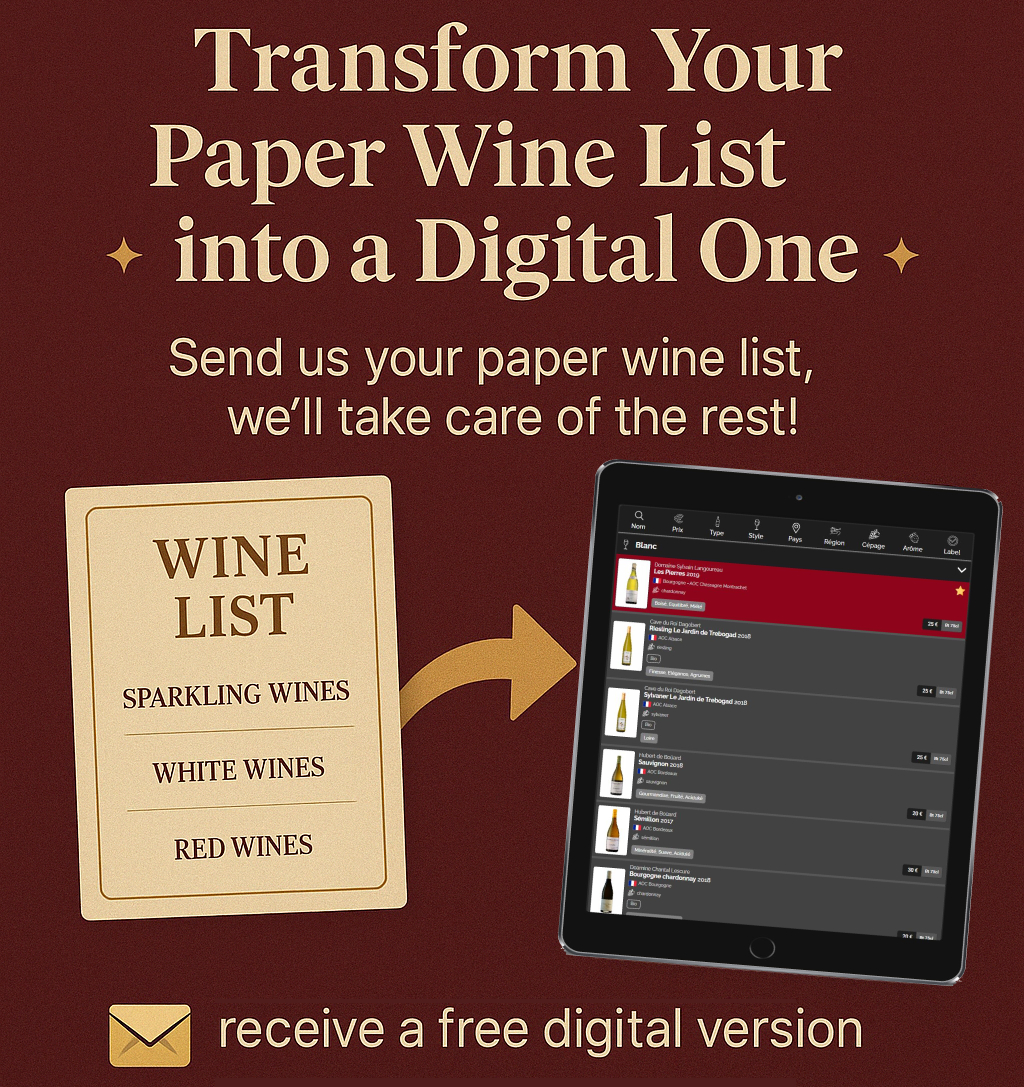
Free · no commitment · reply within 24 h