 Digital wine list
•
10 September 2026
Digital wine list
•
10 September 2026
A digital wine list hosted on someone else's domain creates a quiet problem. The guest reading it is no longer on the restaurant's site.
Taken one at a time, the consequences are small. The traffic never reaches the site's analytics. The restaurant's own search visibility gains nothing from the content of its own list. And there is one more address to publicise, to print somewhere, and to correct the day it changes. Added together, they start to weigh.
Winevizer offers three ways to display the list inside the restaurant's own site. Which one fits depends mostly on what the restaurant already has.
An iframe, to move fast. A block of code to paste into an existing page. It is the quickest method, it works on nearly every system, and it needs no particular skill. Useful when the site is managed by an agency you would rather not mobilise for a ten-minute change.
The WordPress integration, for most sites. A great many restaurant sites run on WordPress. There the integration is native, inside the site's own template: install the plugin, place a shortcode. The list then inherits the fonts, the colours and the structure of the page instead of appearing as a bolted-on block. Display type — digital list or PDF — and height are set in the plugin's settings page.
A JavaScript snippet, for custom sites. On a bespoke site, a script lets you place the list wherever you want on the page and have it sit properly alongside the rest of the design.
Whichever mode you choose, the list is edited in one place: the Winevizer admin.
A corrected price applies at once to the list read by QR code, the tablet version used on the floor, the printable PDF and the page embedded in the site. There are never two versions to maintain, so there is never a forgotten one.
In daily use this is probably the most useful part. Most online lists end up out of date, not because the operator neglects them, but because there are several places to update and one of them always gets missed.

In 2022, digitization has become a priority for many sectors, and the restaurant industry is no exception. Here are several good reasons to create a digital version of your old paper wine list.
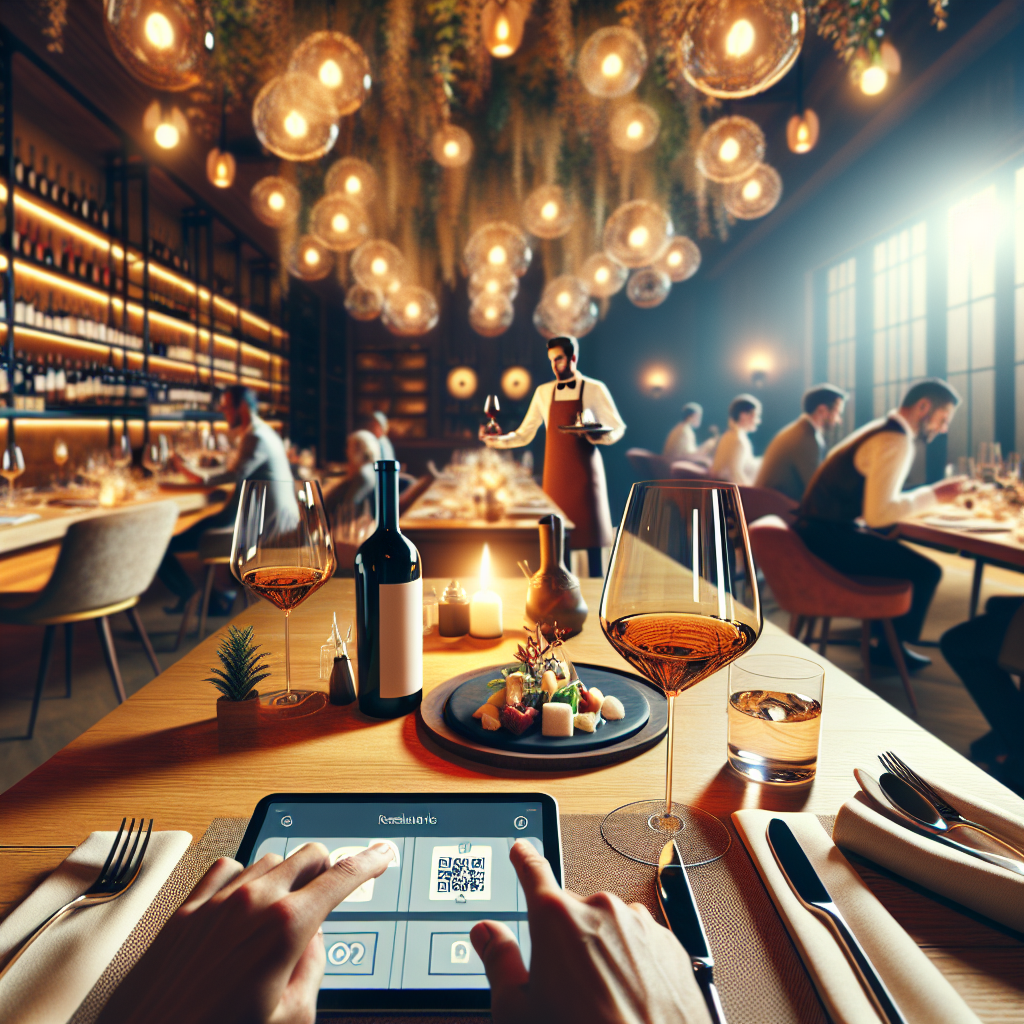
Starred sommeliers blend prestigious wines and natural wines to meet customer expectations while exploring new flavors. How to connect this with a digital wine list?

The year-end holidays are approaching, bringing an influx of customers to restaurants and bars. Effectively managing your restaurant's wine list during this busy period can become a real challenge. Fortunately, solutions exist to simplify this task while providing a unique experience for your customers. Opt for the wine list […]
For 1 month with no commitment