


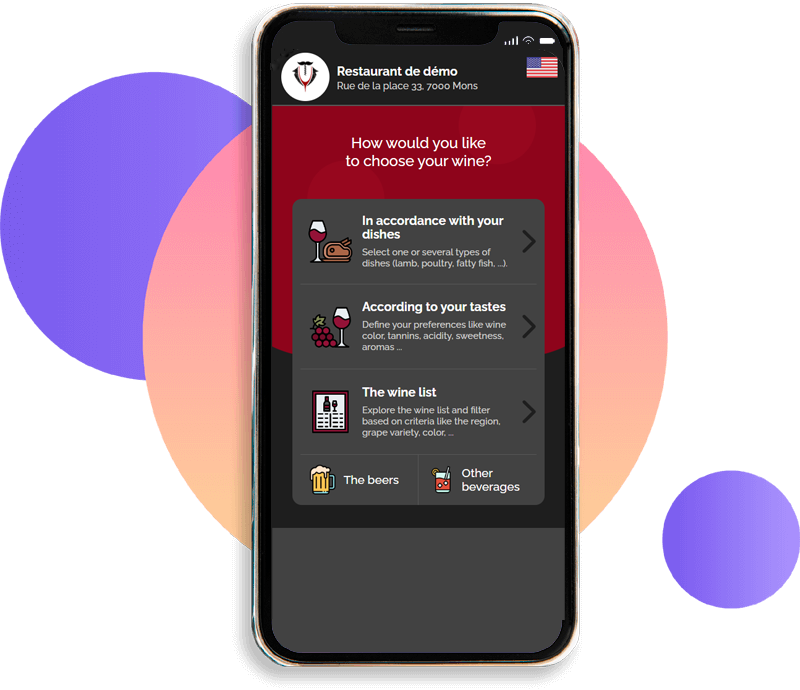
Click on the smartphone to test the digital wine list
Test like on a smartphone
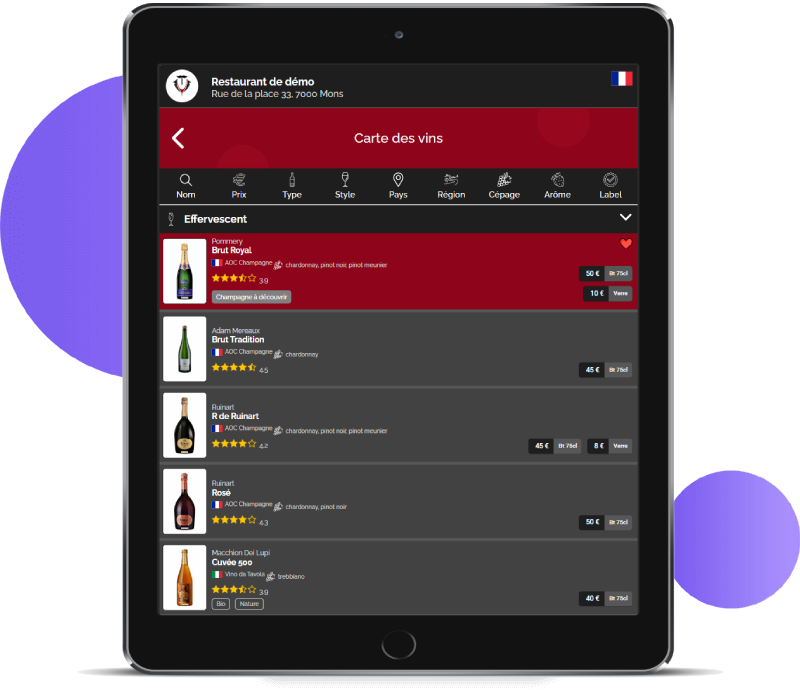
Click on the tablet to test the digital wine list
Test like on a tablet
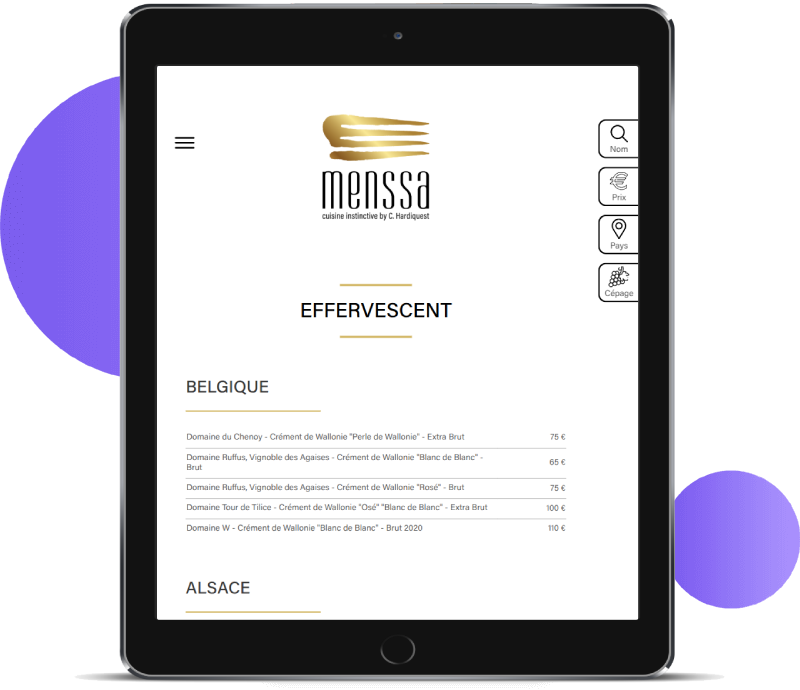
Click on the tablet to test the digital wine list
Test like on a tablet
Try the virtual sommelier just
like your customers!
Choose the perfect wine.
Grab your smartphone and scan the attached code.
- Free* use
- No application to install
- Compatible with all smartphones
- The customer uses their own smartphone
- Compatible with all web browsers
- No user account required
- Respects your customers' privacy
- Card can be installed on tablets
* Your customer's mobile operator may charge usage fees, as when using mobile internet from a smartphone.
Send your wine list, get its digital version
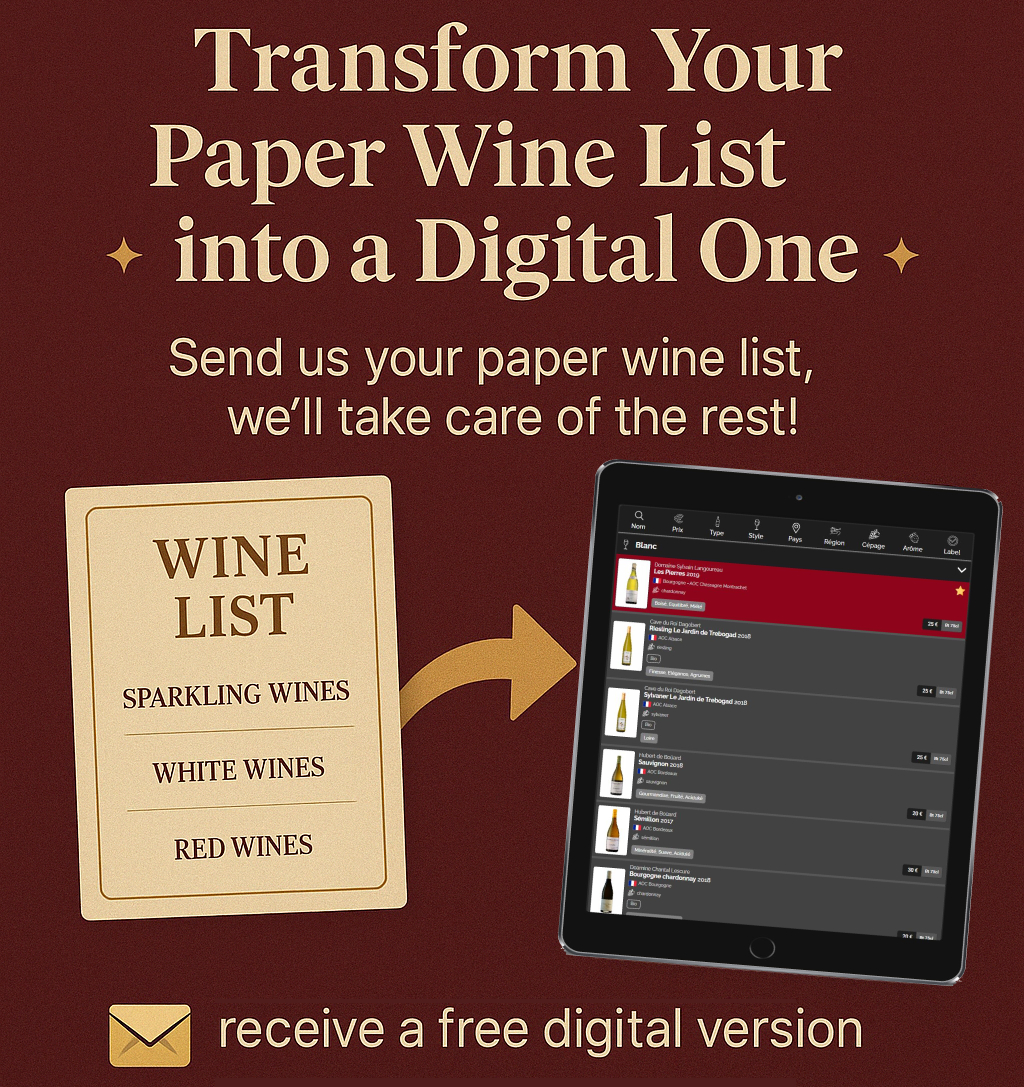
Free · no commitment · reply within 24 h
Present your wine list on tablet or QRCode
Choose the best way to present your wine list in your restaurant.
-
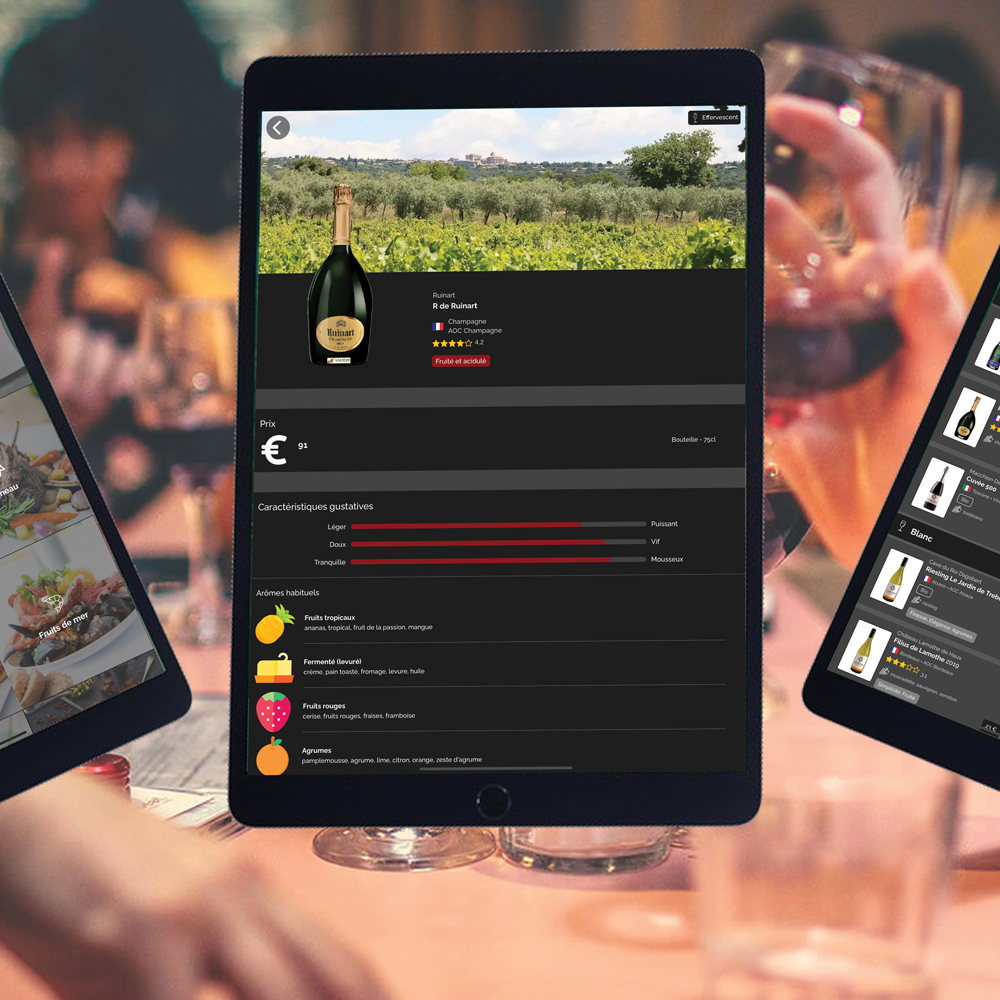
Wine list on tablet
Install Winevizer on your tablets and choose your restaurant which will open by default. All that's left is to present your tablet in place of the paper wine list.
-
Wine list via QRCode
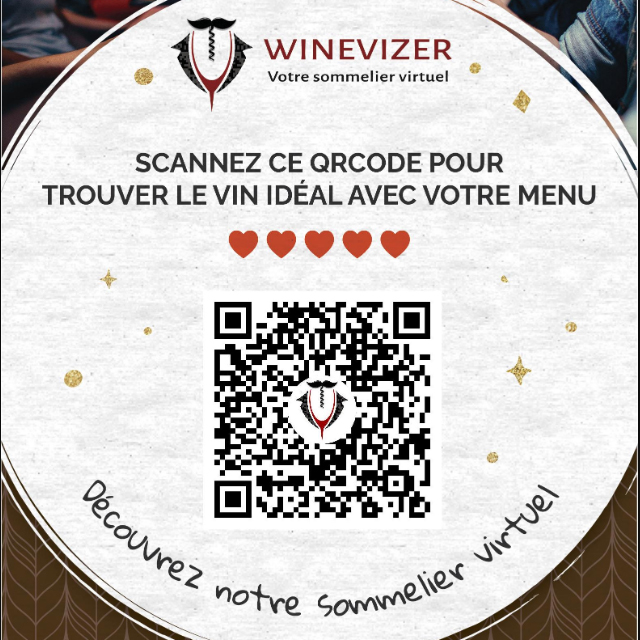
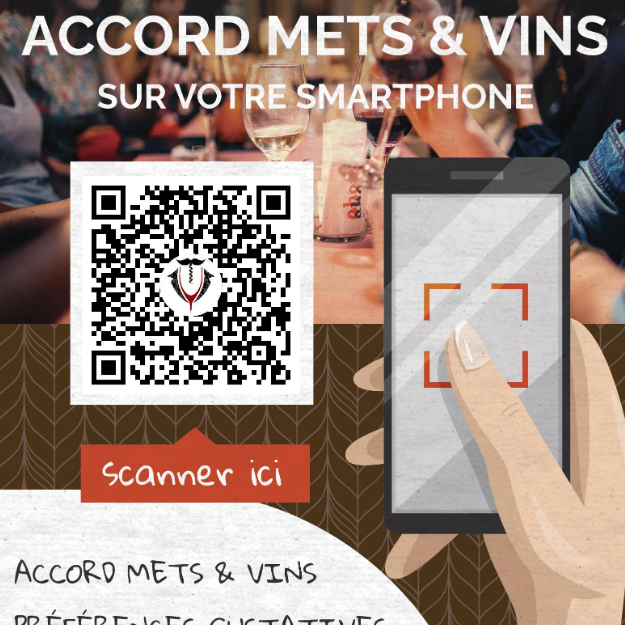
Once your digital wine list is ready, display the QRCode on your tables or in your menu. Your customers will be able to access your wine list on their smartphones without installation.
-
Multilingual wine list
Your card is available in French, English, Dutch, Italian, Spanish, German, and Hungarian. No need to translate anything—it's all done automatically.
It's a simple, flexible solution to help restaurateurs and their customers
Customer problems
- He has no knowledge of wine
- He doesn't know the wines on the list
- He's afraid to ask for help from the waiter, who isn't necessarily qualified.
- He's afraid of making a mistake with his menu.
Customer involvement
- He doesn't order wine
- It defaults to the cheapest
- He's disappointed with his choice
- He's frustrated by feeling obliged to follow advice when the price doesn't suit him.
Problems for the restaurateur
- He doesn't master his wines
- It is difficult for him to train his staff to master his wine list.
- He's afraid of over-documenting his card and making it complicated.
- He'd like to earn more from his wines
Customer benefits
- Search for wines by pairing, preferences or explore the wine list
- Searching for wine without stress or haste
- Wine and food pairing made easy
- It uses its own smartphone and internet connection (4G/5G)
- Continuously updated wine list information
- Create a profile to save search preferences
- Search for a restaurant based on a bottle or type of wine
Advantages for the restaurateur
- Set up in just a few minutes, with almost no coding required
- Advanced data personalization for optimal customer experience
- Wines are automatically identified but can be added to.
- Pairings are automatically created, but can be enhanced by encoding the menu.
- It does not have to manage a fleet of tablets and make wifi available.
- He does not have to train his wait staff in food and wine pairing.
- Place the QRCode directly on the table and in the wine or food list
- Statistics on customer searches
- Listing in the application directory
How can your customer find the right wine?
Pair with one or more dishes
The customer selects one or more types of dish (lamb, poultry, fatty fish, etc.) or menu items if the menu has been encoded.
Tasting preferences
The customer defines preferences such as wine color, tannins, acidity, sweetness, aromas, ...
Explore the menu and filter wines
Customers can browse the wine list and filter wines by region, grape variety, color, etc.
Boost your wine sales
Those restaurants offering Winevizer to their customers can see an increase in the number of bottles sold of between 15% and 30%. Sales of wine by the glass are also boosted by the virtual sommelier, by more than 15% on average. The average price of the wine selected thanks to the application increases by almost 25% on average.
Evolution of wine bottle sales in a restaurant partner
- Without Winevizer
- With Winevizer
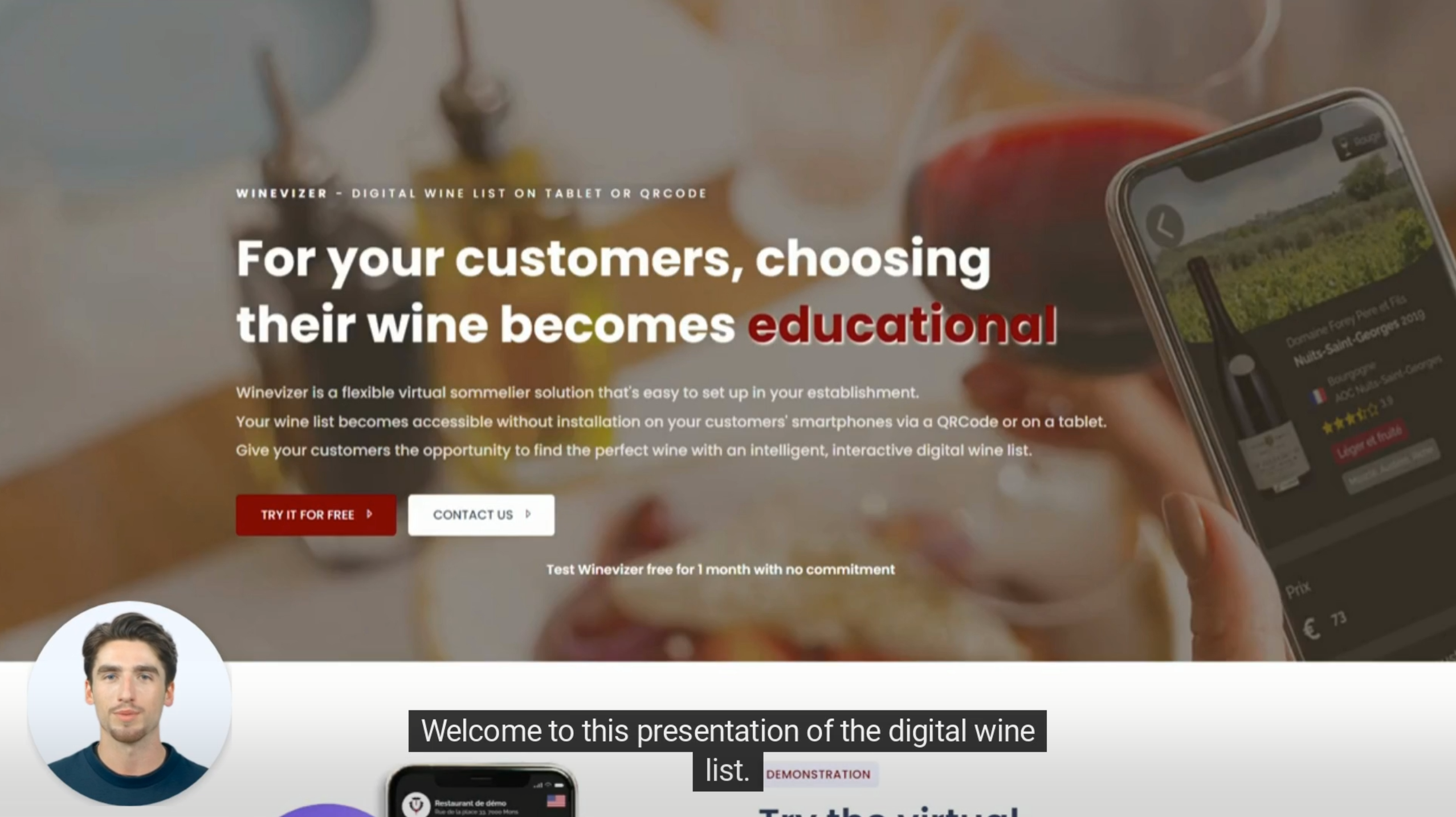
How does the AI pick
the right wine?
Our algorithm draws on a database of millions of pairings and references to suggest, in seconds, the right wine from your own cellar for any dish on your menu.
Food & wine pairings analyzed
Your customer finds their wine in 2 seconds
Average wine ticket
Reported by clients after 6 months
Of your time is enough
You send the menu, we handle the rest
What restaurants on Winevizer say
More than 500 restaurants, wine bars and hotels have built their wine list on Winevizer — in France, Belgium, Switzerland, the United States and beyond.
The digital menu has changed the way we work. Our customers find the wine they love without having to wait for a server to come over.
We doubled our wines-by-the-glass sales in 3 months. The virtual sommelier pairs wines in a way that would have required huge training for my staff.
Simple to set up, multilingual, and the QR code saves us from reprinting every time the list changes. A real time-saver.
Frequently asked questions
How much does a digital wine list cost?
Winevizer costs €24.99 per month or €249.90 per year, with no commitment, a one-month free trial and no credit card required. A free plan covers up to 50 wines.
1 month/without commitment
Try it for freeNo credit card required
- 1 establishment to activate
- This plan also entitles you to :
- Addition of 50 wines to the establishment
- Management of pairings, technical data sheets and menus
- QRCode generation for the establishment
- Access to (restricted) establishment statistics
- Email support
(cumulative)
Try it for freeThe subscription is automatically renewed every month and can be stopped at any time.
- 1 establishment to activate
- This plan also entitles you to :
- Unlimited addition of wines to the establishment
- Management of pairings, technical data sheets and menus
- QRCode generation for the establishment
- Access to establishment statistics
- Adding wines from a photo or pdf
- Support by e-mail and telephone
(cumulative)
Try it for freeSubscription automatically renewed each year and can be stopped at any time.
- 1 establishment to activate
- This plan also entitles you to :
- Unlimited addition of wines to the establishment
- Management of pairings, technical data sheets and menus
- QRCode generation for the establishment
- Access to establishment statistics
- Adding wines from a photo or pdf
- Support by e-mail and telephone
News & Events
Follow our news and articles on upcoming events
Making Wine Easier to Sell on the Floor
A debate is gaining ground in the trade: wine sales are eroding while younger drinkers turn to beer, whose language and marketing feel more accessible. At the centre of the criticism sits the complexity of wine — varieties, appellations, vintages, jargon — which can lose a guest who is in a hurry or new to […]
Climate Change: Rebuilding Your Wine List with Digital Tools
The climate is changing, and the wine map with it. Harvests start earlier in some regions, unexpected terroirs are asserting themselves, and the historic strongholds of southern Europe are having to reinvent. On the floor, that shows up as shifting aromatic profiles, less predictable vintage availability, and new questions from guests. It can become an […]
The digital wine list, a service tool for your restaurant
A digital wine list replaces the paper card with a version on tablet or QR code, updated in real time. For a restaurant, it is less a matter of image than a service tool: helping the floor team advise, sell and keep an always-accurate list.
An always-accurate list
Availability, prices and vintages update in seconds. No more wine shown on the card then declared out of stock when the guest orders.
Advice without a sommelier
The virtual sommelier suggests each guest a pairing matched to their dish and budget. Your team relies on it without being specialists.
Readable by all your guests
The list is available in English, French, Dutch and several other languages, with no translation work on your side. Useful for an international clientele.
More wine sales
A clear list and pairing suggestions help the guest dare a bottle over a glass, or trade up, without the floor team having to push.
A list suited to your type of restaurant
A bistro, a brasserie, a fine-dining table or a Michelin-starred restaurant do not handle their wine list the same way. Winevizer adapts to each format, from a short curated selection to a cellar of several hundred references filtered by region, grape or pairing. Usage by profile is detailed for the fine-dining restaurant, the brewery, the Italian restaurant and the Michelin-starred restaurant.
Digitizing your restaurant wine list
From your existing list, as a PDF or Excel file, your digital wine list is ready in 24 to 48 hours — the full process is explained on the digitize your wine list page. Winevizer runs on a single price with no commitment, with a free one-month trial to test the solution in your restaurant before deciding.
Frequently asked questions — digital wine list for restaurants
Do I need to buy hardware to display the wine list in the dining room?
Does the virtual sommelier replace my floor staff?
How do I manage a list that changes often — vintages, sold-out wines?
Can I keep a paper list alongside the digital version?
Test Winevizer free of charge in your restaurant
For 1 month with no commitment