 Features
•
14 November 2026
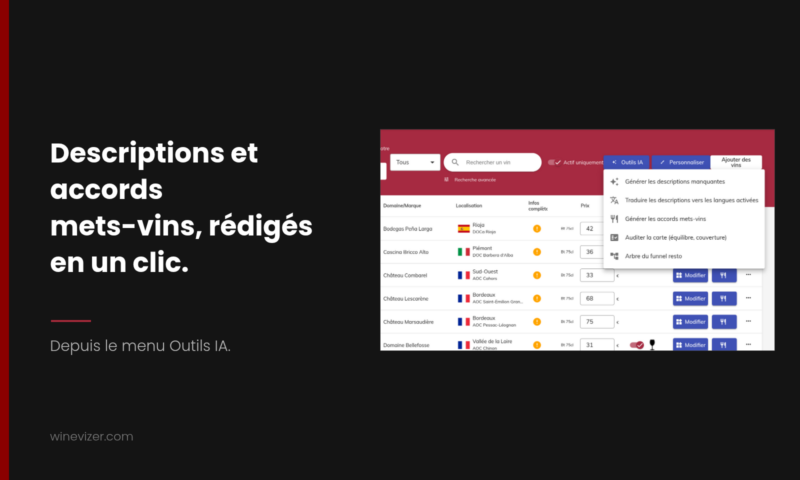
Winevizer can now write two time-consuming things for you: the short description of each wine, and the pairings with your dishes. Everything starts with one click from the AI tools menu, runs in the background, and you get an e-mail when it is done. A wine you have already filled in is never changed: the tool completes what is missing, it does not rewrite what you entered.
A wine list of a hundred references with half-filled descriptions is a job nobody has time to finish. Yet a wine without a description leaves the guest with no landmark at the moment of choosing. These tools fill the gaps, they do not replace your palate.
In the list of wines of an establishment, open the AI tools menu and choose Generate missing descriptions. Winevizer counts the wines that have no short description in the language of your back office, asks you to confirm, then starts the work.
What to know before you start:
The descriptions then appear on the wine sheet, in the reading language of the guest.
If your list is offered in several languages, the same menu has Translate descriptions into enabled languages. The tool starts from the French description of each wine and writes it in the languages you enabled in the digital configuration. A wine with no French description is skipped, and if only French is active, the tool tells you so and invites you to enable other languages first.
Pairings can be generated in two directions, depending on what you want to show your guests.
In the dish management screen, AI tools then Generate food-wine pairings match one to three wines from your list to each of your dishes. This requires your dishes to be entered: with no dishes, the tool has nothing to pair and tells you so. Dishes that already have pairings are not changed, unless you explicitly ask to replace the existing pairings.
In the list of wines, AI tools then Generate food pairings indicate, for each wine, the types of dish that go with it: beef, fish, cheese and so on. These types feed the "dishes" filter of your digital wine list, the one the guest uses when they know what they are eating and look for the wine that goes with it.
The window first shows the number of wines with and without pairings. For wines recognised in the Winevizer database, the tool reuses the pairings already known, and the AI only suggests for the others. A wine that already has dish types is never touched: your choices come before the tool's.
These tools write fast, not in your place. Go through the list once the work is finished, starting with the wines you know best and your best sellers. A description that does not suit you is corrected like any other, wine by wine. The final summary also lists the wines for which no usable suggestion was found: those are the ones to complete by hand.
No digital wine list yet? The free digital wine list lets you build a first version with your references before you try these tools.
The wine trends for 2024 promise to reshape the landscape of restaurants and wine bars, bringing new opportunities to attract wine lovers. Here’s what every restaurateur needs to know to stay at the forefront of innovation and offer a memorable experience to their customers. 1. Sustainability and Organic Wines The […]<\/p>
Which wine to choose for a fish ceviche? Fish ceviche, an iconic dish from Latin America, is characterized by its freshness and tangy flavors. Choosing the ideal wine to accompany this delicate dish can enhance the culinary experience. Here are some perfect pairings that will delight your taste buds. 1. Sauvignon Blanc Thanks to its notes […]<\/p>
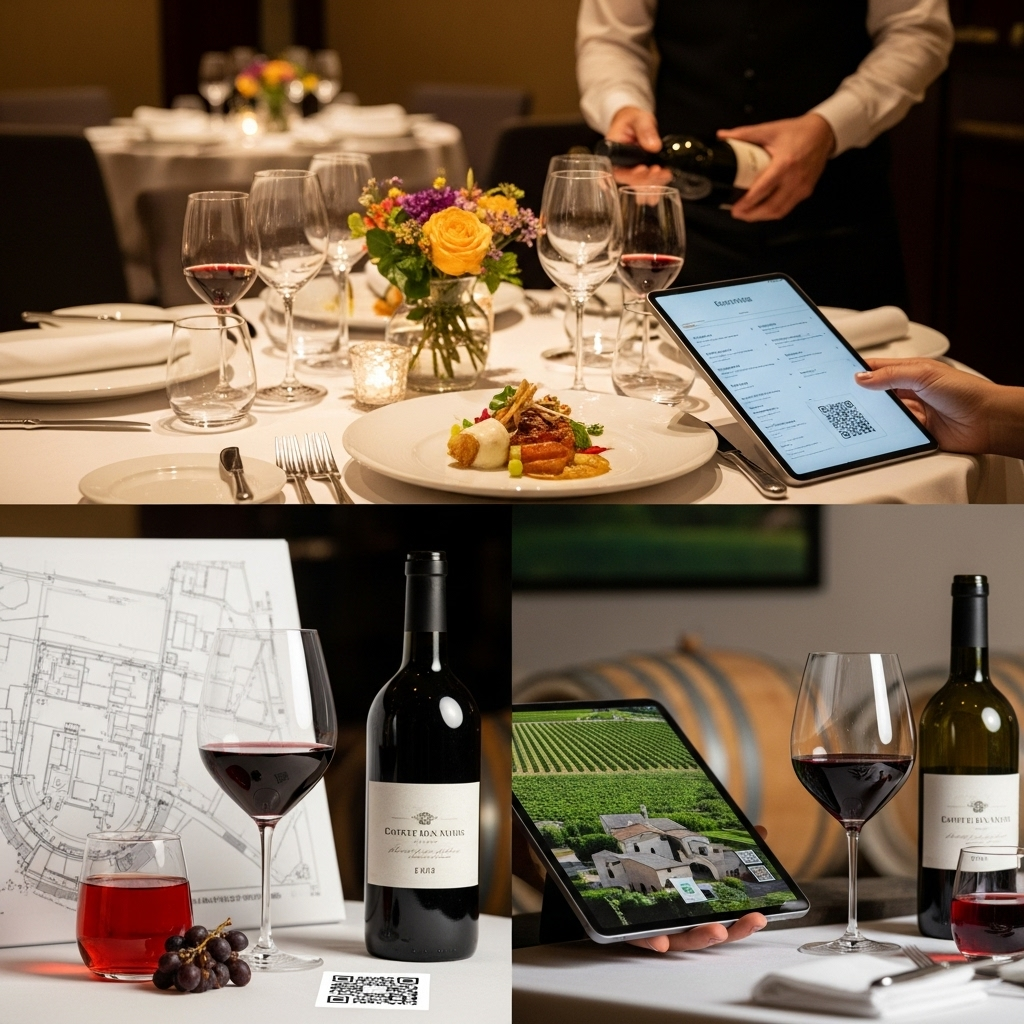
Need a clearer, more profitable, and easy-to-update restaurant wine list? Discover a concrete method, examples of structure, pricing tips, and the advantages of digital (QR code, tablet, virtual sommelier) with Winevizer.<\/p>
For 1 month with no commitment