 Features
•
7 November 2026
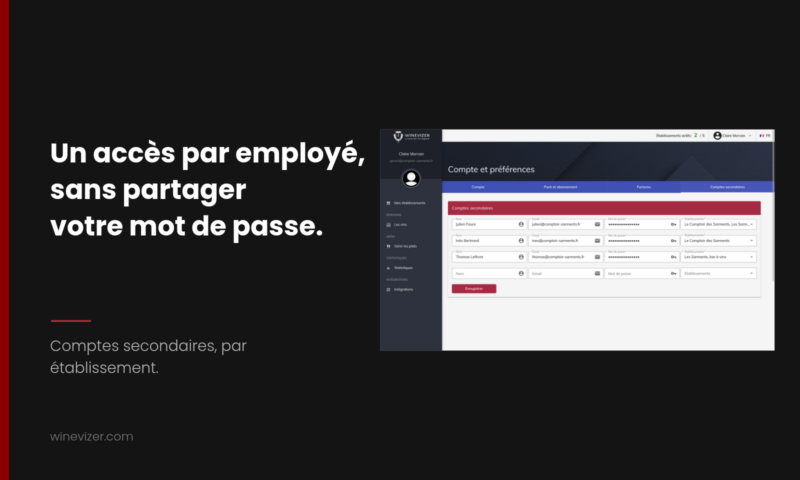
In Winevizer, the account holder can create secondary accounts for their staff. Each person gets their own login and password, and can only reach the establishments you assign. Your sommelier, your floor manager or the head of another site can update the wine list without knowing your password, and without seeing your subscription or your billing.
In many restaurants, one person looks after the wine list, usually the owner, because the account is in their name. The day the sommelier needs to change a price or add a bottle that arrived this morning, there are two options: lend them the owner's login, or ask them to go through you. The first exposes the whole account, the second makes you a bottleneck. Secondary accounts avoid both.
A staff member signs in to the same back office as you, with their own credentials. They work on the establishments you assigned to them: the list of wines, the wine list, the settings of an establishment.
Several things stay closed to them, because they belong to the account holder:
The only account page a staff member sees is their own, to change their password. This is not just a hidden button: the address of the page is also refused to a secondary account.
The person then receives an invitation e-mail, in French, English or Dutch, with their login, their temporary password, the name of the person who invited them, the establishments concerned and a sign-in button. On first sign-in they must choose their own password, so the temporary password you entered does not stay in use.
You can come back to this tab at any time to change the name, the e-mail or the list of establishments of an account.
There are no roles or permissions to set function by function. A secondary account has working access to the establishments it is given, and the account holder keeps the rest.
List the people who really work on the wine list, one per establishment concerned, then create their access in ten minutes in the Secondary accounts tab. Keep your own account for what commits the business: the subscription, the invoices and new establishments.
No digital wine list yet? The free digital wine list lets you build a first version before you invite your team.

Showing allergens on a restaurant wine list: sulfites, the serving size and the exact appellation, and how to keep them up to date.

Multilingual wine list for a tourist restaurant: what gets translated, what stays in French, and how to choose among the eight languages.
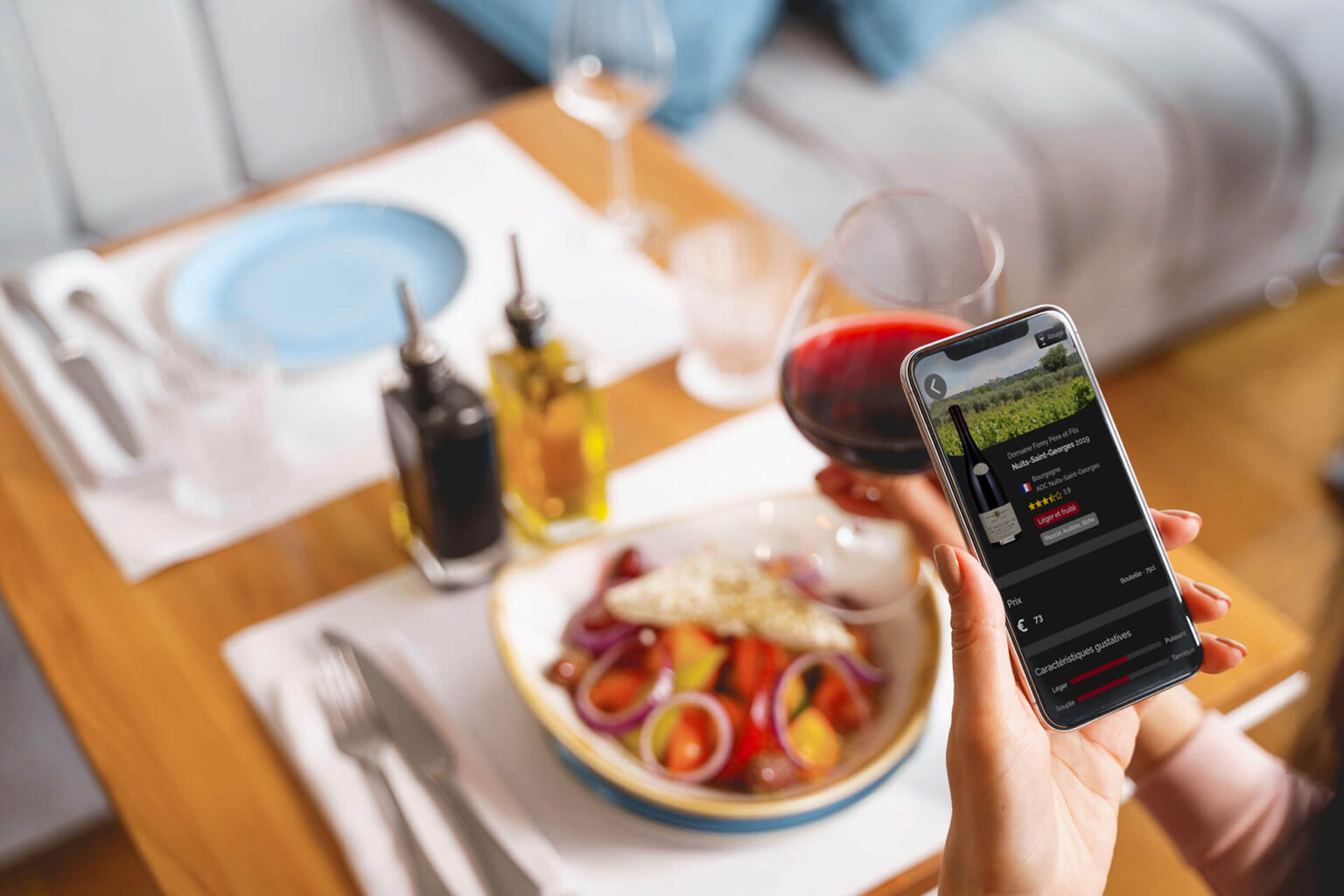
This Monday, March 21, 2022, and after more than a year of development and discussions with restaurateurs and sommeliers, we are calling on Mons restaurateurs who would like to digitize their wine list.<\/p>
For 1 month with no commitment